Lebanon

Lebanon

France

Algeria

Sudan

Ivory Coast
Lebanon
Lebanon
France
Algeria
Sudan
Ivory Coast
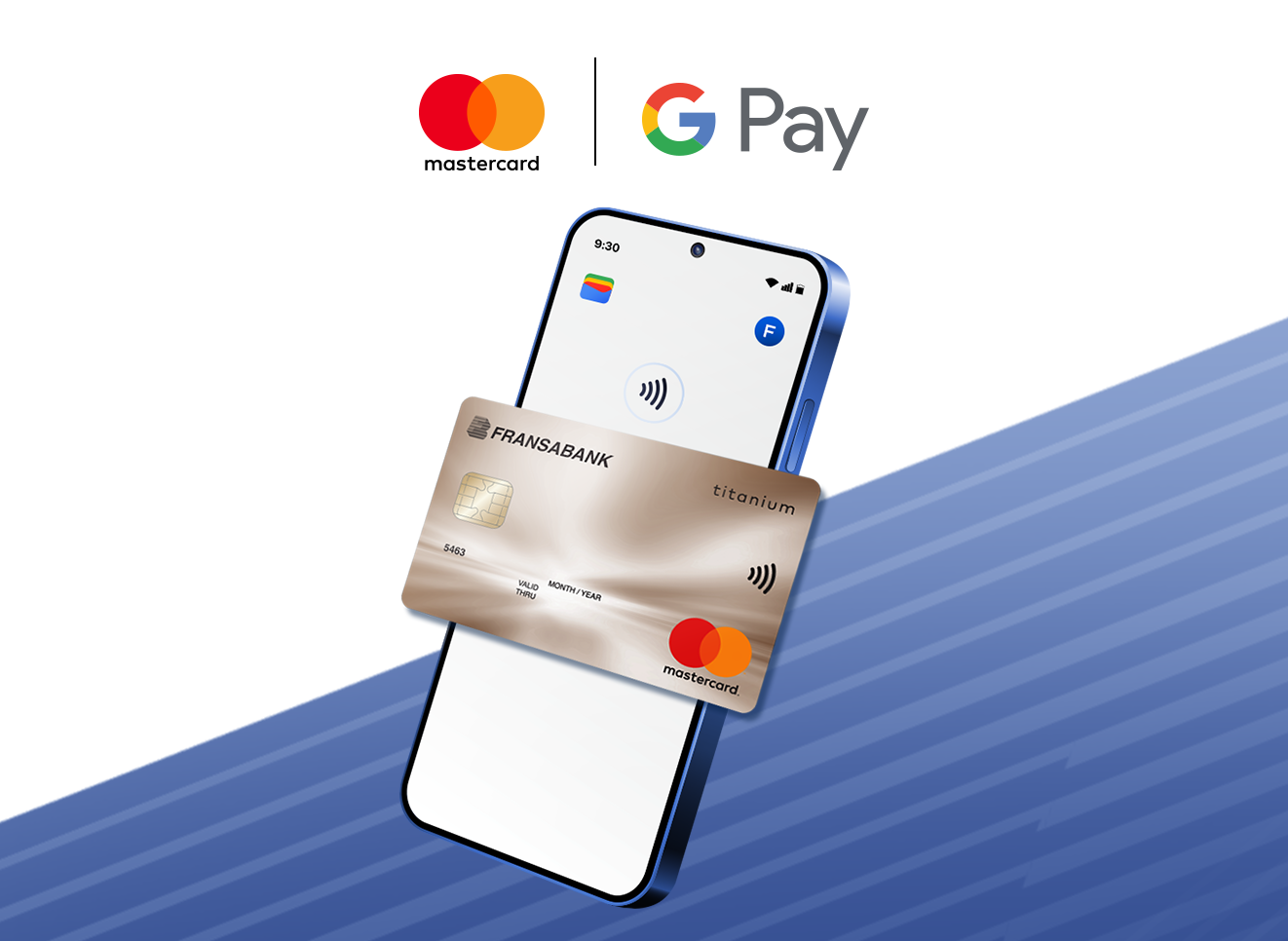
Your Mastercard cards are accepted on Google Pay.
Set up your Google Wallet and start using your phone to pay everywhere contactless payments are accepted.
It’s fast, safe and easy!